Connect delivery
Use a workspace-owned Brevo account or campaign SMTP mailbox, then verify the sender and provider feedback.
CampaignBin keeps campaign drafts, audience review, consent checks, suppression, and delivery feedback in one workspace. Sending is a separate approved step.
Teams preparing permission-based email campaigns with a dedicated delivery account.
WHAT TO EXPECTCampaign sending is a selected-workspace pilot. Personal one-to-one email remains separate, and selecting a list never sends a campaign.
Work stays connected to the records your team already uses in LeadBin.
Use a workspace-owned Brevo account or campaign SMTP mailbox, then verify the sender and provider feedback.
Prepare content and a deduplicated audience. Only eligible contacts with verified consent qualify for launch.
Launch only in an approved workspace, then review accepted sends, bounces, complaints, and unsubscribes.
This is a real LeadBin app screen with sample workspace data. The view and available actions depend on your workspace and permissions.
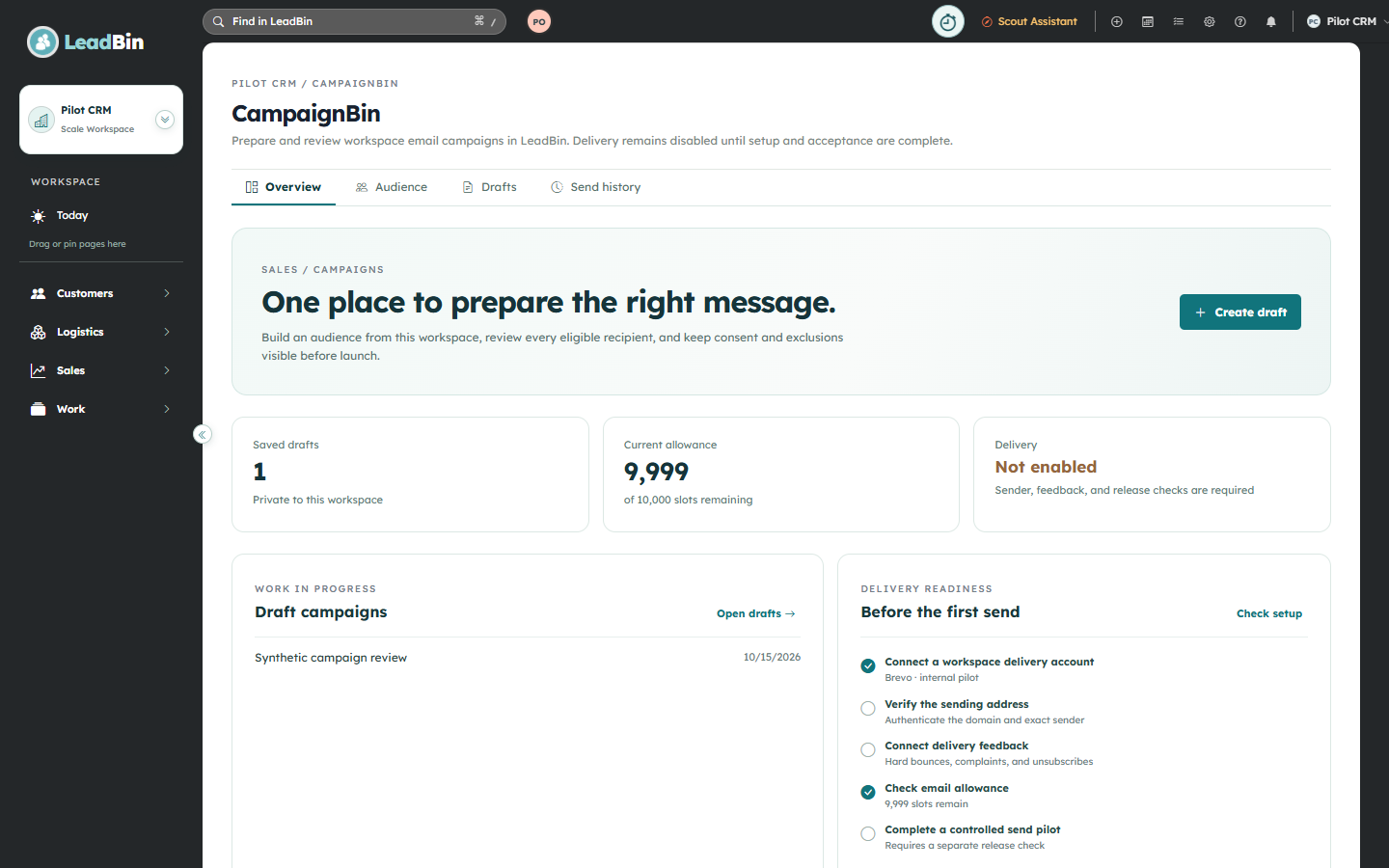
A workspace uses its own delivery quota and provider billing, rather than a shared LeadBin pool.
Contact eligibility and unsubscribes are checked as part of the send flow.
Provider events help LeadBin stop sending to addresses that bounce, complain, or unsubscribe.
Each part connects to a specific record or a deliberate team decision.
Prepare a campaign, inspect its deduplicated audience, and see which records have verified consent.
Connect a workspace-owned Brevo account or campaign SMTP configuration; personal email uses a different connection.
Sender identity, feedback, suppression, consent, and workspace approval must pass before a reviewed campaign launch.
Accepted sends and provider feedback remain visible for follow-up and suppression decisions.
This capability has a pilot gate and is not generally available yet.
Explore how-to guidesCampaignBin supports a workspace-owned Brevo account or a campaign SMTP connection with authenticated bounce, complaint, and unsubscribe feedback.
No. Sender identity, feedback, consent, and workspace launch approval must all pass first.
Start a workspace and enable the extensions available to your team.