Build the trip
Connect travelers and trip legs for flights, hotels, transfers, and activities in one itinerary.
TravelBin links travelers, multi-leg itineraries, outside supplier bookings, private proposals, and expected versus received commissions to the CRM relationship.
Independent travel advisors who want a connected client workflow without a closed host-agency system.
WHAT TO EXPECTLeadBin does not make supplier reservations, issue tickets, or automatically collect supplier commissions in this pilot.
Work stays connected to the records your team already uses in LeadBin.
Connect travelers and trip legs for flights, hotels, transfers, and activities in one itinerary.
Prepare a private proposal or itinerary link and share it deliberately.
Record expected and received supplier commissions and see what remains outstanding after travel.
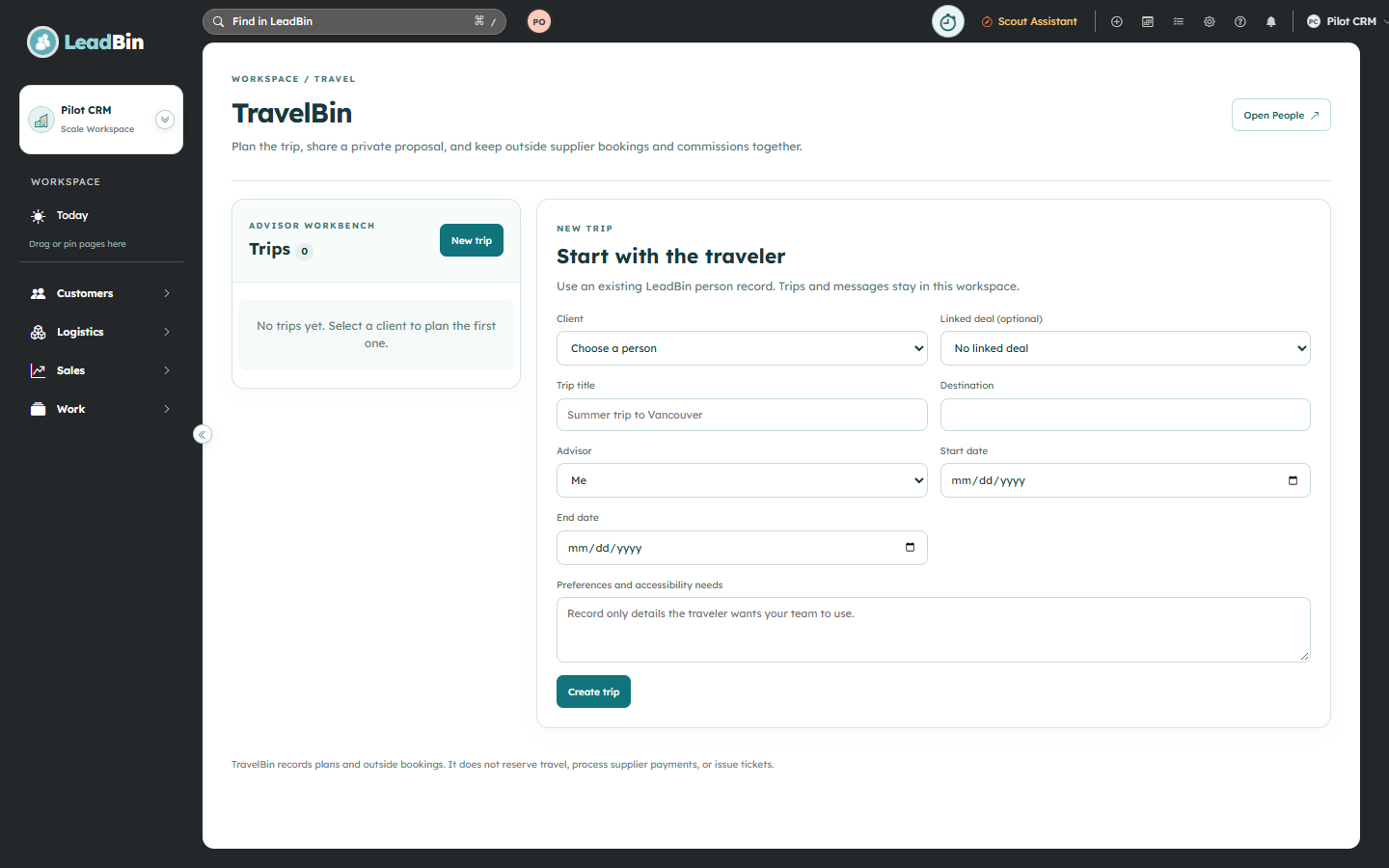
This is a real LeadBin app screen with sample workspace data. The view and available actions depend on your workspace and permissions.
Use saved preferences and loyalty details with access controls appropriate to sensitive travel data.
Track confirmations made with suppliers without pretending LeadBin booked them.
Keep commission expectations distinct from money actually received.
Each part connects to a specific record or a deliberate team decision.
Organize flight, lodging, transfer, and activity details under a single trip.
Keep saved preferences and loyalty information attached to the relevant People record with workspace access controls.
Prepare an itinerary or proposal for review before sharing a private client link.
Compare expected supplier commission with amounts recorded as received, including after the travel date.
This capability has a pilot gate and is not generally available yet.
Explore how-to guidesNo. Advisors record supplier bookings and confirmations made outside LeadBin, then organize them into a trip.
No. The current release is a Gone Fishing Labs pilot while the advisor workflow is reviewed.
Start a workspace and enable the extensions available to your team.