Create an item
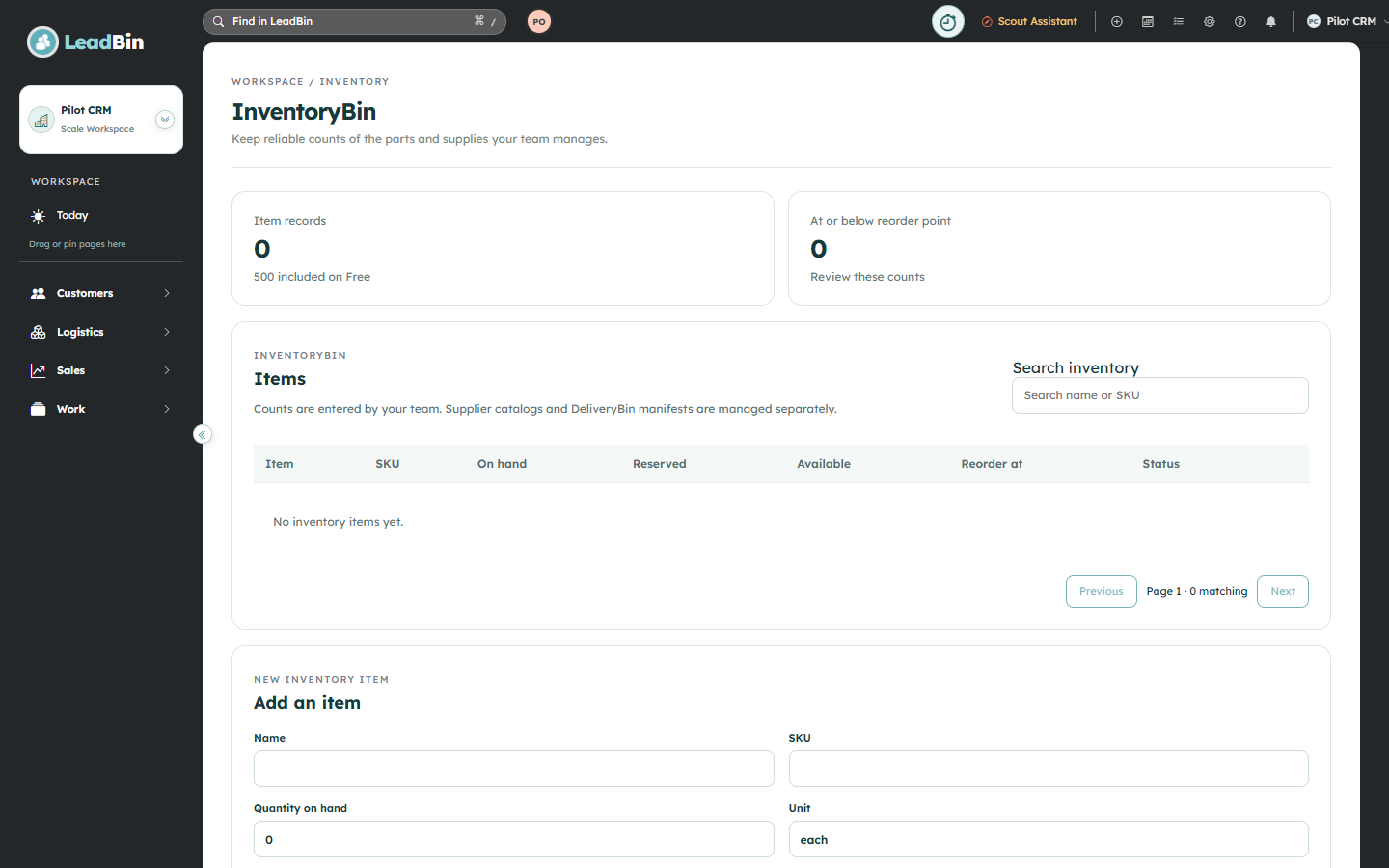
Add a workspace item with its identifying details and on-hand count.
InventoryBin gives a workspace a practical catalog of items, on-hand counts, reorder points, and a traceable movement history.
Teams that need an inventory record without a full warehouse platform.
WHAT TO EXPECTThis is item and count management. Multi-location stock, purchasing, and carrier integrations are outside the current release.
Work stays connected to the records your team already uses in LeadBin.
Add a workspace item with its identifying details and on-hand count.
Review reorder points and the movement history behind a balance.
Enable DeliveryBin when receipts, orders, and shipment manifests need to update stock.
This is a real LeadBin app screen with sample workspace data. The view and available actions depend on your workspace and permissions.
Inventory is isolated to the workspace that owns it.
Posted changes retain their source instead of silently rewriting a number.
Classify existing Company records as suppliers or manufacturers and link representatives from People.
Each part connects to a specific record or a deliberate team decision.
Keep item names, identifiers, units, and reorder points in the workspace that owns them.
Review the movement trail behind an on-hand balance instead of treating a changed number as its own explanation.
Use LeadBin Companies and People to identify suppliers, manufacturers, and their representatives.
DeliveryBin can post confirmed receipts and dispatches to these same item records.
Owners and admins manage extensions for each workspace.
Explore how-to guidesYes. InventoryBin works on its own; DeliveryBin adds order, receipt, and shipment workflows when enabled.
Existing item records and movement history are preserved for review.
Start a workspace and enable the extensions available to your team.