Prepare the scope
Use catalog services or custom line items, review the recipient, and publish a versioned quote.
QuoteBin keeps a reviewed quote, a separately approved contract, and a Stripe invoice connected to the customer. When the work is already agreed, start directly with an invoice.
Teams that quote work, collect agreement approval, and want a clear invoice trail.
WHAT TO EXPECTAn accepted quote is not a signed contract, and an issued invoice is not a paid invoice. Stripe processing fees are separate.
Work stays connected to the records your team already uses in LeadBin.
Use catalog services or custom line items, review the recipient, and publish a versioned quote.
After quote acceptance, the buyer reviews and electronically signs a separate contract.
The workspace merchant issues through Stripe. LeadBin follows open, paid, refunded, or void status.
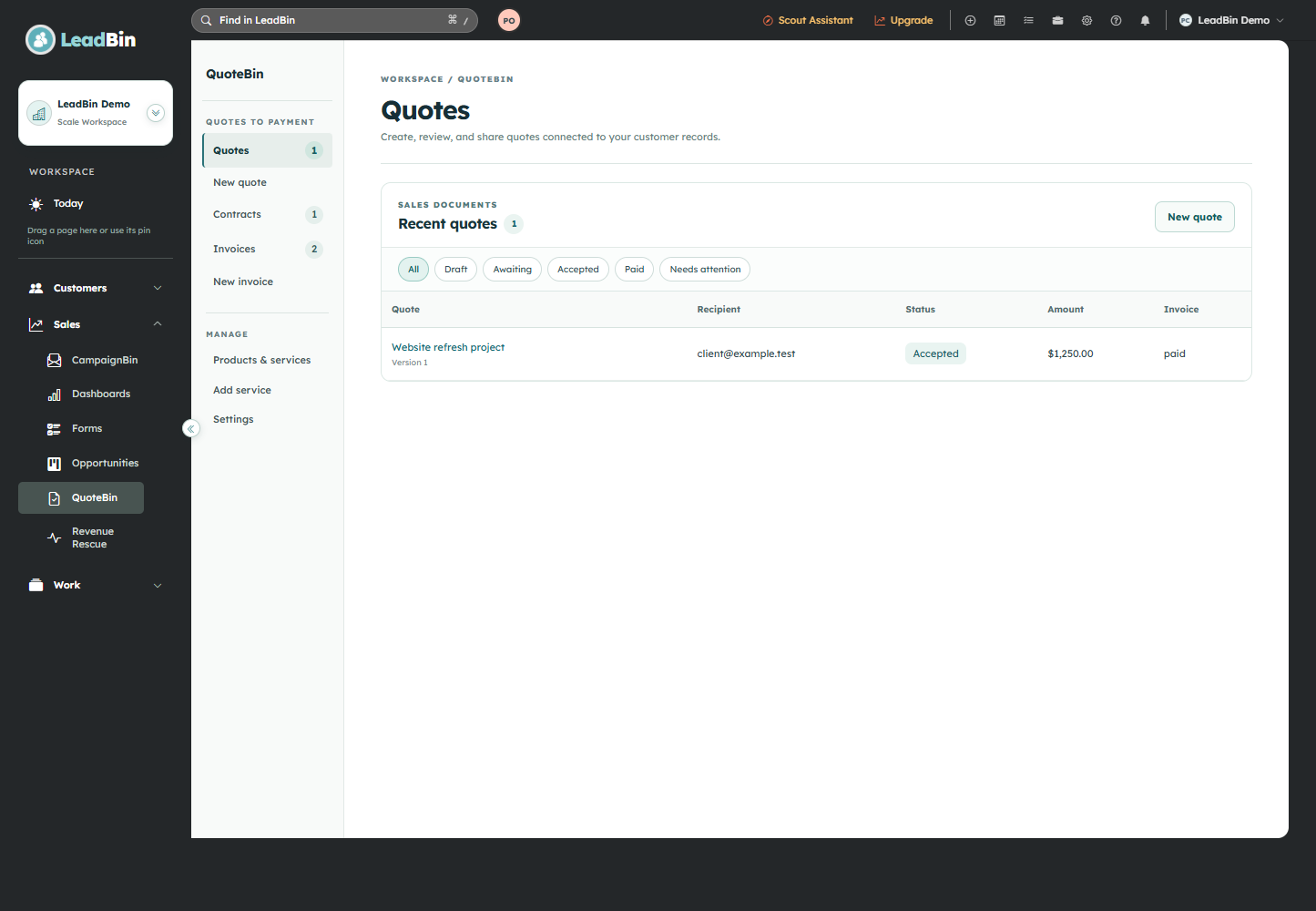
This is a real LeadBin app screen with sample workspace data. The view and available actions depend on your workspace and permissions.
Create an invoice without starting from a quote when the work is already agreed.
Private links, PDFs, email verification, and saved versions make each decision traceable.
Each workspace connects its own Stripe merchant before payable documents are issued.
Each part connects to a specific record or a deliberate team decision.
Save line items and terms, then publish a specific quote version for buyer review.
A buyer accepts a quote and reviews the subsequent contract separately, with email verification and a signed copy.
Issue a direct or contract-backed invoice through the connected Stripe merchant and follow its provider status.
Link documents to People, Companies, or Opportunities where the exact match is known.
Owners and admins manage extensions for each workspace.
Read the QuoteBin guideYes. Create a direct invoice, choose a saved client or a one-time buyer email, review it, and explicitly issue it.
Payment status follows the connected Stripe account. Record an outside payment in Stripe so the invoice and LeadBin can reconcile.
Start a workspace and enable the extensions available to your team.